Menu translator

This menu translator reads a photo of a restaurant menu and lists every dish, description and price in your language, line by line, next to the original. When you want more than a list, it also redraws the menu with its text translated in place, so the layout, sections and style of the original stay as they were.

Updated

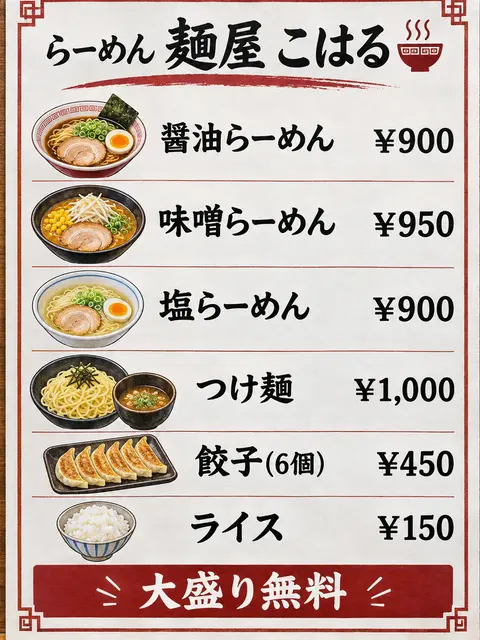
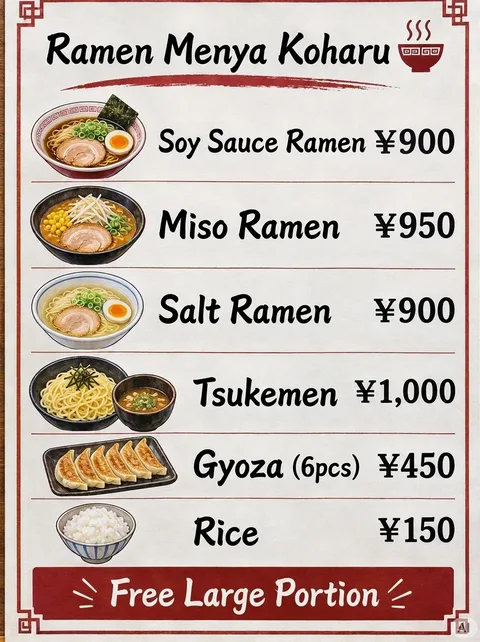
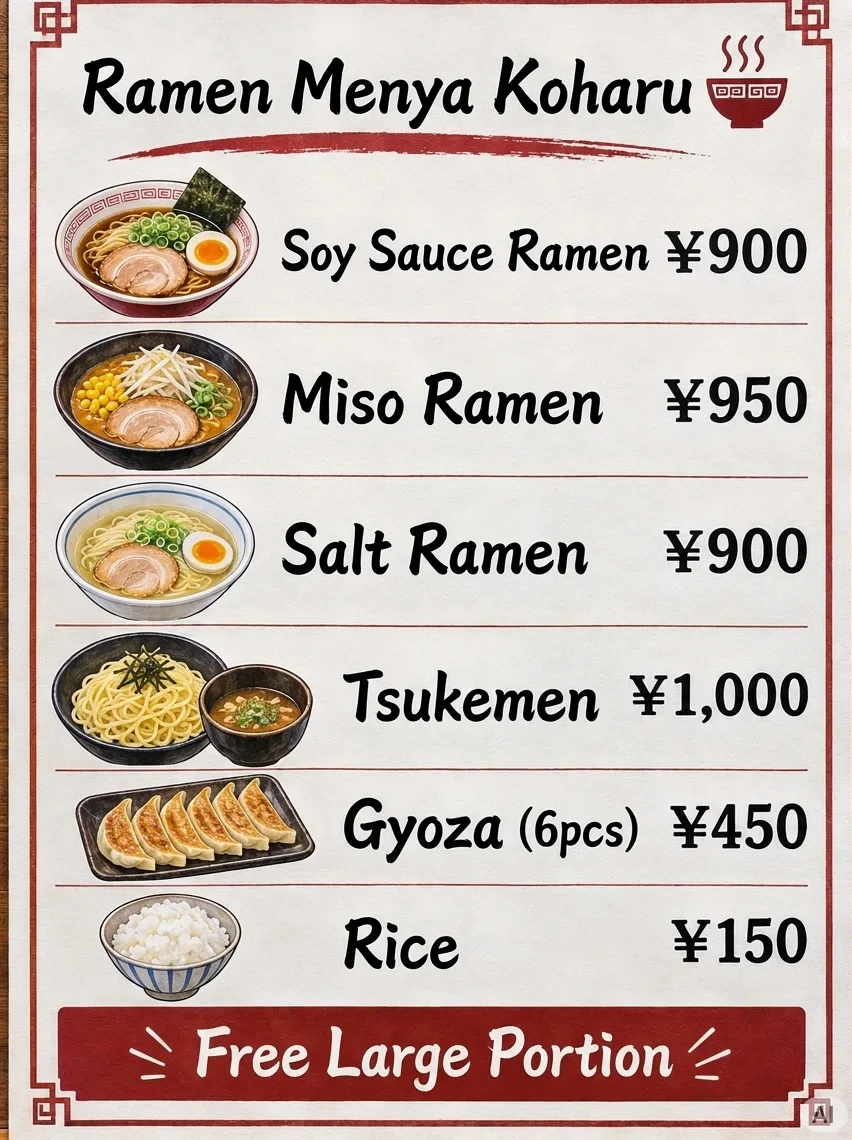
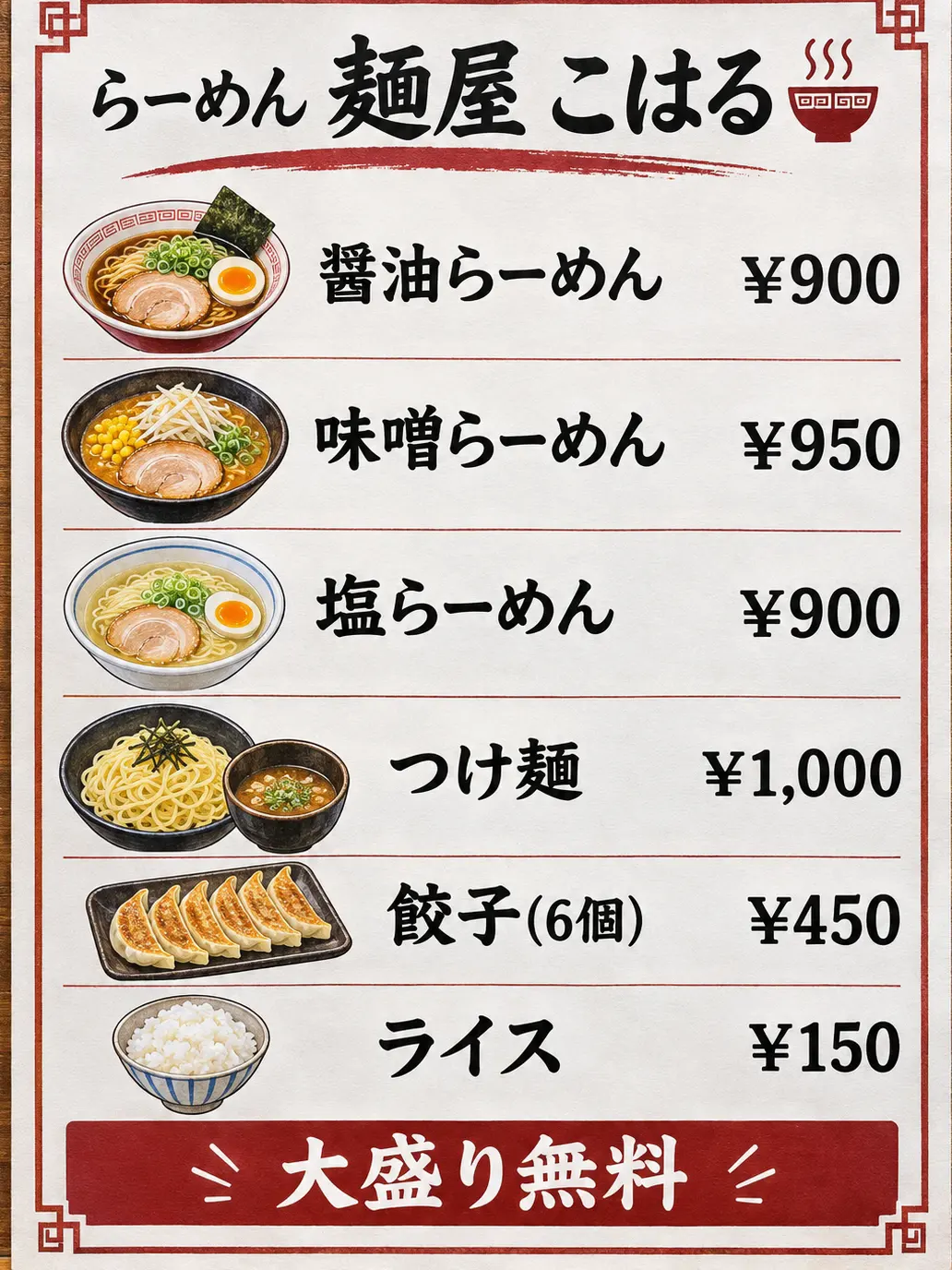
A Japanese ramen menu with prices, translated into English with the same layout and bowls: OriginalA Japanese ramen menu with prices, translated into English with the same layout and bowls: Translated
A real runJapanese → English, same layout and fonts

Output

Model

Size

Fast and low cost; strong on menus, signs and screenshots.

This translation costs27 credits
Sign up free: 27 credits

Your free credits cover one translated 1K image with its text panel (27 credits).

How it works

  1. 1

    Photograph the menu

    Shoot straight on, without flash, and tilt the page out of reflections. Photograph a long menu in sections.

  2. 2

    Pick your language

    Choose one of 24 target languages. For ordering, text-only mode gives you the full list for less.

  3. 3

    Read the panel and order

    Each dish appears with its translation. Check the prices against the photo, and ask staff about anything that matters for allergies.

Good for

  • Ordering in restaurants, cafés and markets abroad
  • Reading chalkboards, wall menus and drinks boards
  • Sharing a translated menu with friends at the table
  • Restaurants preparing a menu for visitors who speak another language
A Japanese ramen menu with prices, translated into English with the same layout and bowls: TranslatedA Japanese ramen menu with prices, translated into English with the same layout and bowls: OriginalOriginalTranslated
jaen

A Japanese ramen menu with prices, translated into English with the same layout and bowls

Instruction: Translate every piece of text that is not already in English in this image into English. Keep the exact same layout, font style, size, colour, positions and background; change only the words. Keep the picture, people, objects, logos and numbers as they are, at the same size and position. Do not crop, zoom, add borders, captions or watermarks.

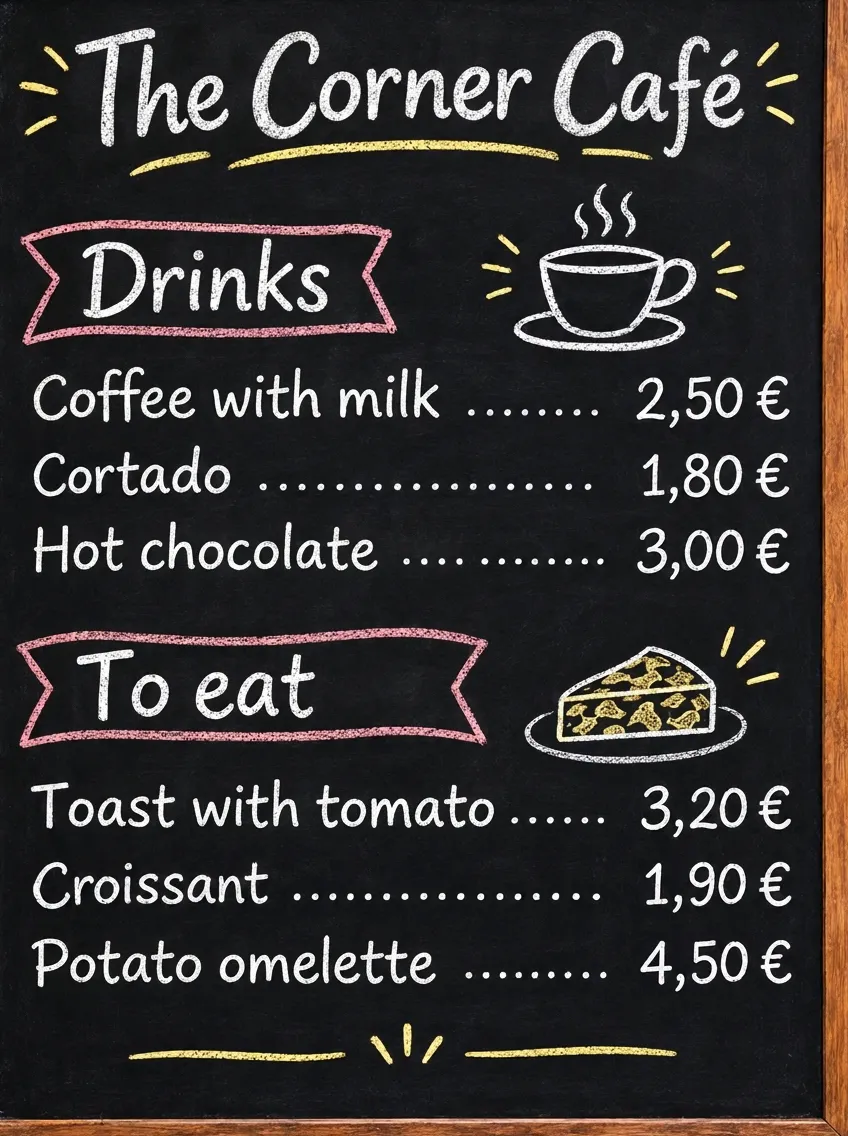
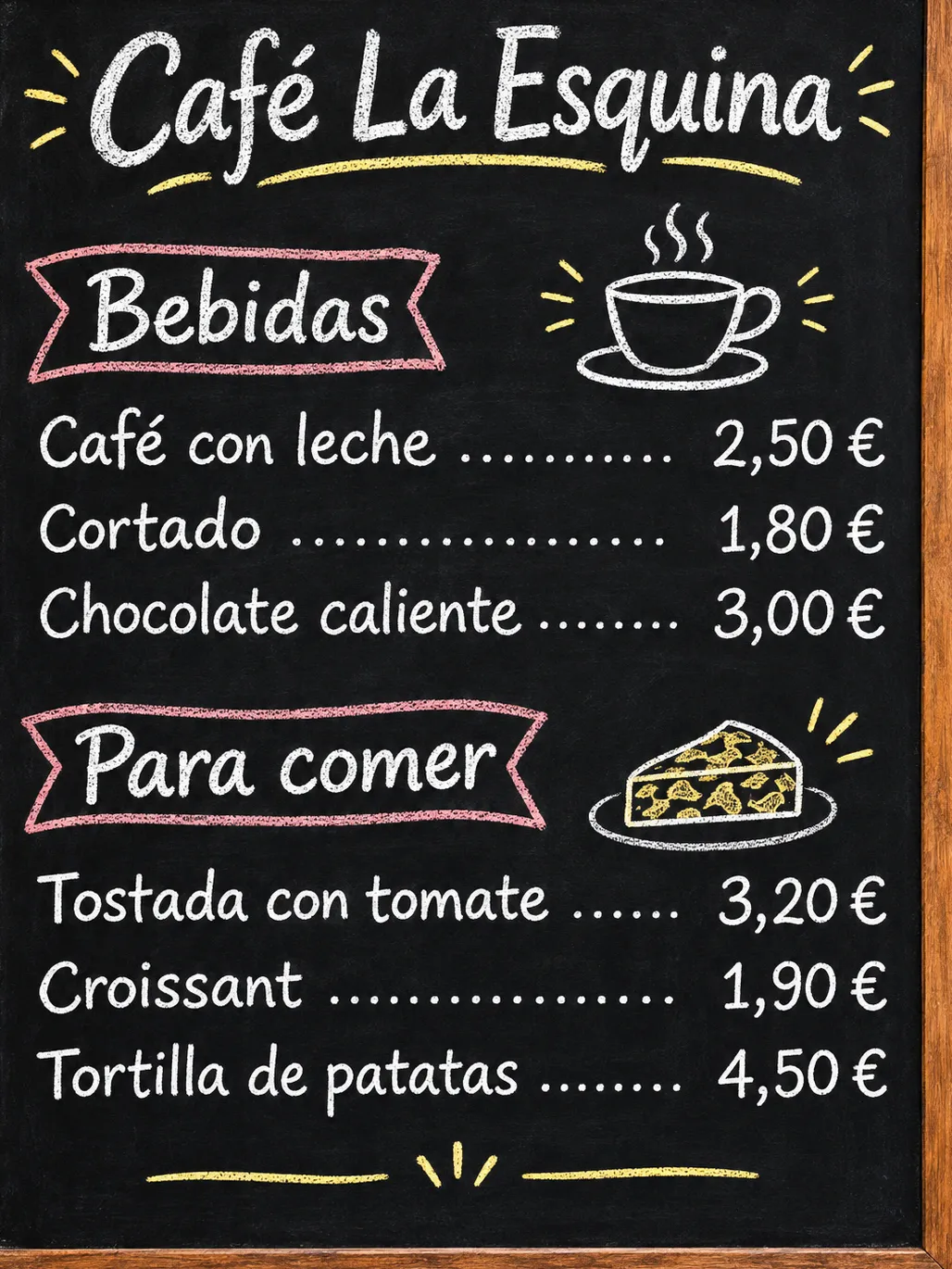
A Spanish chalkboard café menu translated into English chalk lettering: TranslatedA Spanish chalkboard café menu translated into English chalk lettering: OriginalOriginalTranslated
esen

A Spanish chalkboard café menu translated into English chalk lettering

Instruction: Translate every piece of text that is not already in English in this image into English. Keep the exact same layout, font style, size, colour, positions and background; change only the words. Keep the picture, people, objects, logos and numbers as they are, at the same size and position. Do not crop, zoom, add borders, captions or watermarks.

01

Why the text panel suits menus

A menu is a list, and what you need at the table is to read that list in your language. The text panel gives you exactly that: every line the model found, in order, with the original beside the translation. Keeping the original visible helps with dish names that should not be translated word for word, because you can see the local name and ask about it.

02

Getting a readable photo

Glare and angle cause most missed lines. Laminated menus reflect ceiling lights, and text at the far edge of a tilted page shrinks out of reach. Turn the flash off, hold the phone parallel to the page and fill the frame with text. Dense menus with dozens of small items are better split into two or three photos; one run takes up to ten images, each with its own panel.

03

For restaurants

If you run a restaurant, the translated image keeps your menu design while switching the language, which makes it easy to prepare a version for visitors. Use the note to keep dish names in the original language, and have someone fluent read the panel before you print, especially ingredient and allergen lines.

Credits per image

The translator shows the exact cost before you run anything. Plans and credit packs

ModelGood for1K2K4K
Nano Banana 2.1Everyday images: menus, signs, screenshots162334
GPT Image 2Posters, ads and dense lettering233861
Gemini 3 FlashText panel: every line and its translation11

Questions

Can the menu translator read handwritten chalkboards?

Clear handwriting usually reads well. Very stylised or faded chalk is harder; photograph it close and straight on, and check the panel for lines that look wrong.

Should I get the translated image or just the text?

For ordering, the text panel alone is enough and costs less. Add the translated image when you want to share the menu or keep its layout, such as a set menu split into courses.

Can I trust it for allergies?

Use it to understand the menu, then confirm with staff. Ingredient lists and allergen notes can be abbreviated or translated loosely, so do not rely on machine translation alone for a serious allergy.

Which languages does it support?

24 target languages, including English, Spanish, French, German, Japanese, Korean, Simplified and Traditional Chinese, Thai, Vietnamese and Arabic. The menu's language is detected automatically.