How to Localise Social Graphics, Posters and Product Images
Localise posters, social posts and product images for a new market while keeping the design: preparing files, writing notes, choosing a model and a size.
To localise a social graphic, poster or product image, upload the finished design, choose the target language, add a note for anything that must stay unchanged (brand names, prices, hashtags), and pick GPT Image 2 when the layout is tight or Nano Banana 2.1 for everyday graphics. Download at 1K for social feeds, 2K for shop listings and web banners, and 4K for print. Use the text panel to proofread the copy before you post.
Localising this way skips the slowest part of the usual workflow: reopening the design file, replacing every text layer, and fixing the layout when the new language runs longer. The rest of this guide covers how to get results you can publish.
Why localise the image and not just the caption
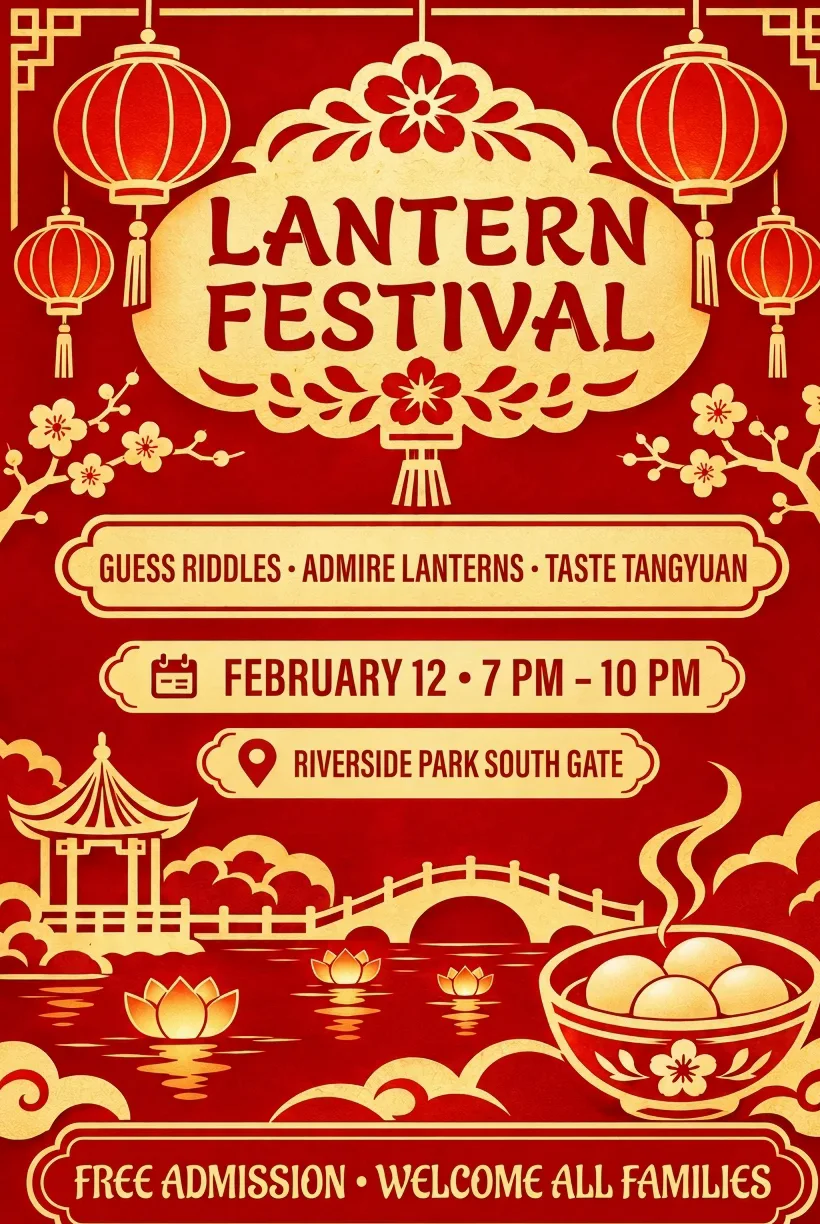
A translated caption under an English graphic still asks the viewer to read the picture in English. On social platforms, marketplaces and ad placements, the text inside the image is often what people read first: the offer on a sale poster, the feature callouts on a product photo, the headline on a carousel slide. Translating that text in place makes the post feel made for the market it is shown in.
It also helps when the source file is gone. Many teams hold only the exported PNG of a campaign graphic from months ago. In-place translation works from that export.
Prepare the file
- Upload the final export, not a preview. Use the largest PNG or JPG you have, up to 10 MB.
- One design per image. If a carousel has eight slides, upload eight images. A single run takes up to ten, and each slide becomes its own job.
- Remove text you do not want translated. If a graphic includes a long legal line or a QR code caption you will replace by hand, crop it or note it.
Write a note the model can follow
The optional note (up to 200 characters) is where you protect the parts of a design that should not change. Useful notes for marketing graphics:
- "Keep the brand name and product name in English."
- "Do not translate the hashtag."
- "Leave all prices and percentages unchanged."
- "Use informal tone." or "Use formal tone."
One or two rules per note works better than a paragraph. If a graphic needs several rules, put the most important first.
Choose the model
Both image models keep the background, colours and general type style. They differ in how they handle space.
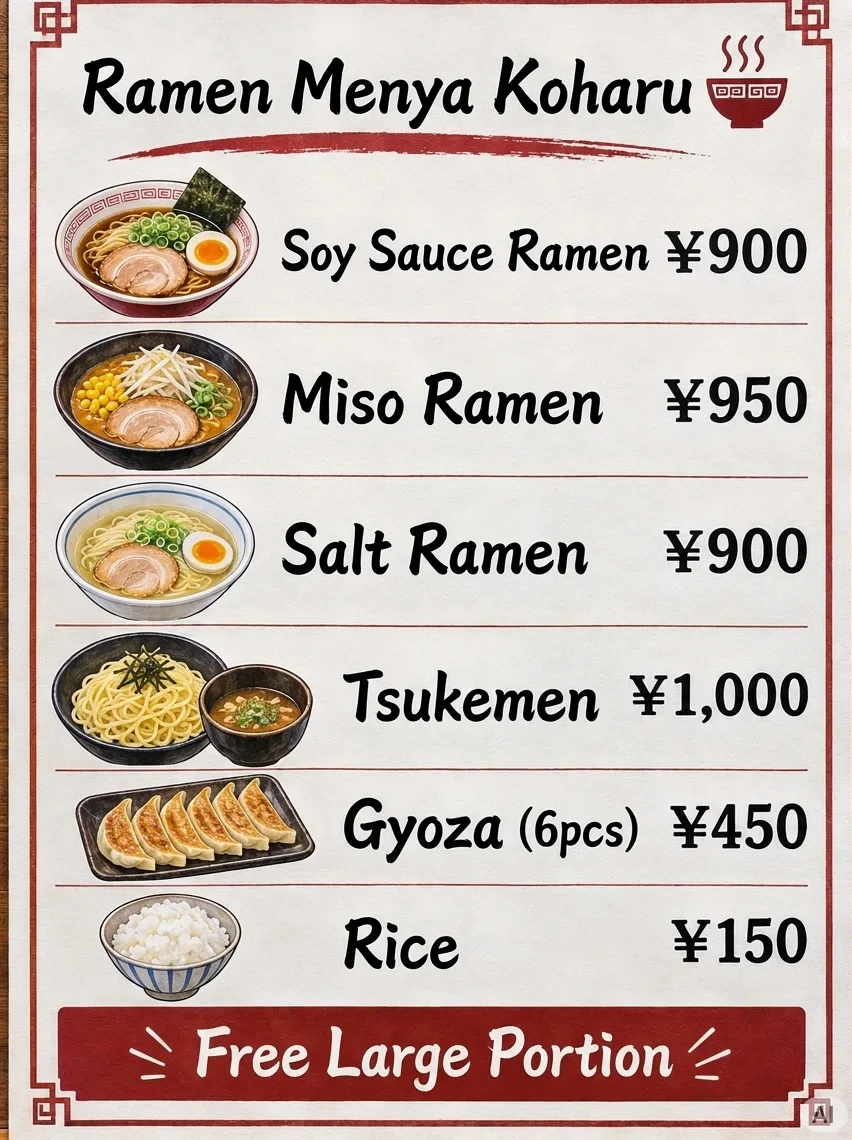
GPT Image 2, OpenAI's image model, keeps translated lines closest to the length of the originals. Pick it for designs with tight text areas: buttons, badges, price tags, product callouts, slide titles, and languages that tend to run longer than English, such as German or French.
Nano Banana 2.1, Google's image model, is the lower-cost option and handles most social graphics and posters with roomy layouts well. It is a good default when you are localising many images and the text has space to breathe.
If one model's result crowds a line or changes a font more than you like, run the same image through the other. Each run is a separate job.
Choose the size
- 1K: social feeds and stories, messaging apps, quick drafts to show a client.
- 2K: marketplace and shop listings, website banners, email headers, anything viewers can zoom into.
- 4K: posters and other print, large displays, and product images that marketplaces show zoomed.
Free accounts translate at 1K. Lingo and the credit packs unlock 2K, and Polyglot, Rosetta and the team plans unlock 4K; see /pricing.
Proofread with the text panel
Ask for the translated image together with the text panel. The panel lists each line of the original and its translation, so you can:
- check that every headline, callout and footnote was translated;
- confirm brand names, prices and dates came through unchanged;
- copy the translated text for the post caption, alt text or listing description, so the words in and under the image match.
If a native speaker on your team reviews copy, send them the panel's TXT download rather than the image. It is faster to review and easier to comment on.
Product images for another marketplace
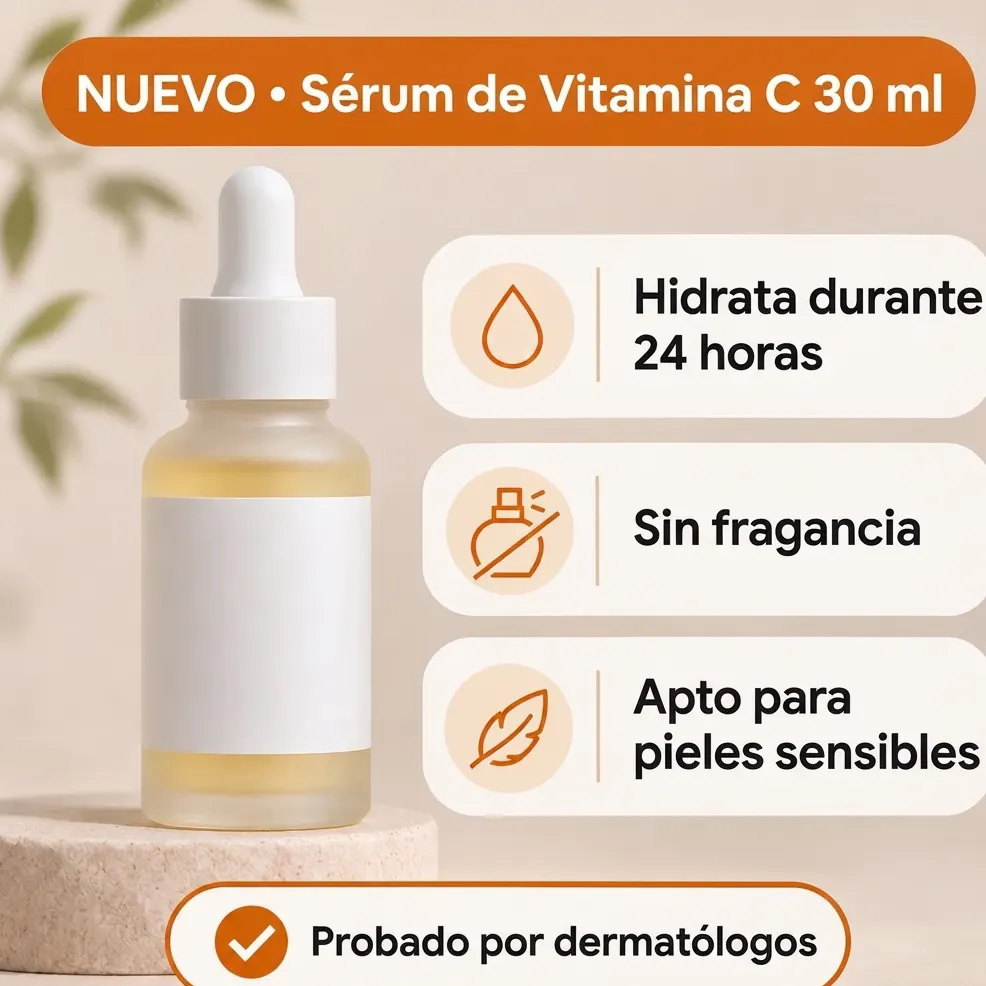
Product photos with feature callouts ("waterproof", "2-year warranty", "fits 13-inch laptops") are one of the most common uses. A few points specific to them:
- Keep the product itself untouched: if the packaging shows printed text you do not want changed, say so in the note.
- Numbers and units should usually stay as they are. If the target market uses different units, change them in the original design rather than relying on translation.
- Run all images of one product in the same batch with the same model, so the type style stays consistent across the listing.
Limits worth knowing
Very small print, text on curved surfaces and heavily stylised lettering are the most likely to be skipped or redrawn imperfectly, so check those areas closely. Logos are images, not text, and should stay as they are, but a logo built from plain lettering can occasionally be treated as text; protect it with a note. And for regulated wording, such as health claims or legal disclaimers, have the translation reviewed by someone qualified before it goes out.
Start with one campaign
Pick one recent graphic, translate it into the language of your next market, and compare it with the original side by side. Upload on the home page, read how image translation works, or browse more uses on the blog.
Try it on one of your images
Upload an image, pick a language and compare before and after. New accounts get free credits for a first translated image.